Power Platform development

Bespoke Power Platform Tools & PCF Components

Custom Power Apps components and practical Dataverse tools, shaped around the way your team works.

Custom PCF development and Power Platform tools

From custom controls in Power Apps to utilities for Dataverse administrators and developers, we build tools for specific workflows—not one-size-fits-all demos.
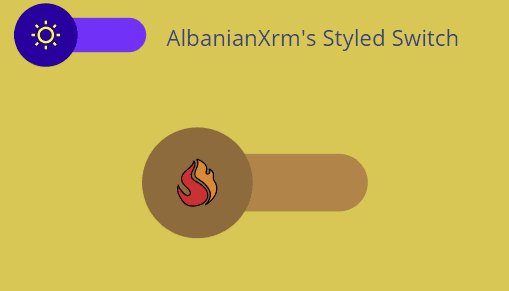
StyledSwitch custom Power Apps PCF control example

Power Apps · PCF

Custom PCF components

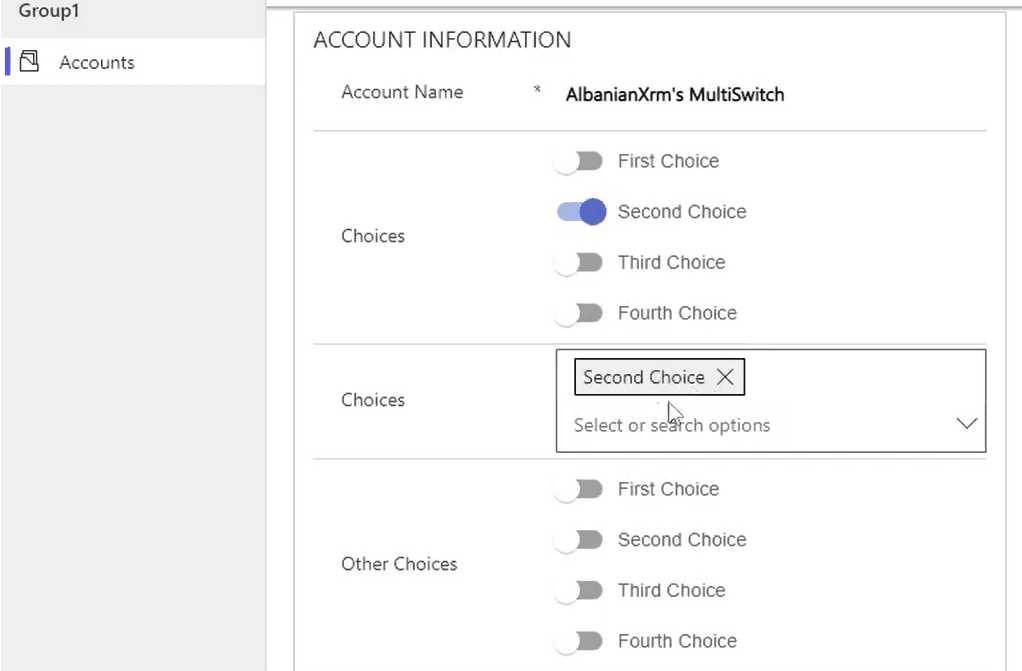
Build custom Power Apps Component Framework controls for canvas apps and model-driven apps. Our component examples include StyledSwitch and Multi Switch controls for presenting choices in different ways.

View PCF component examples
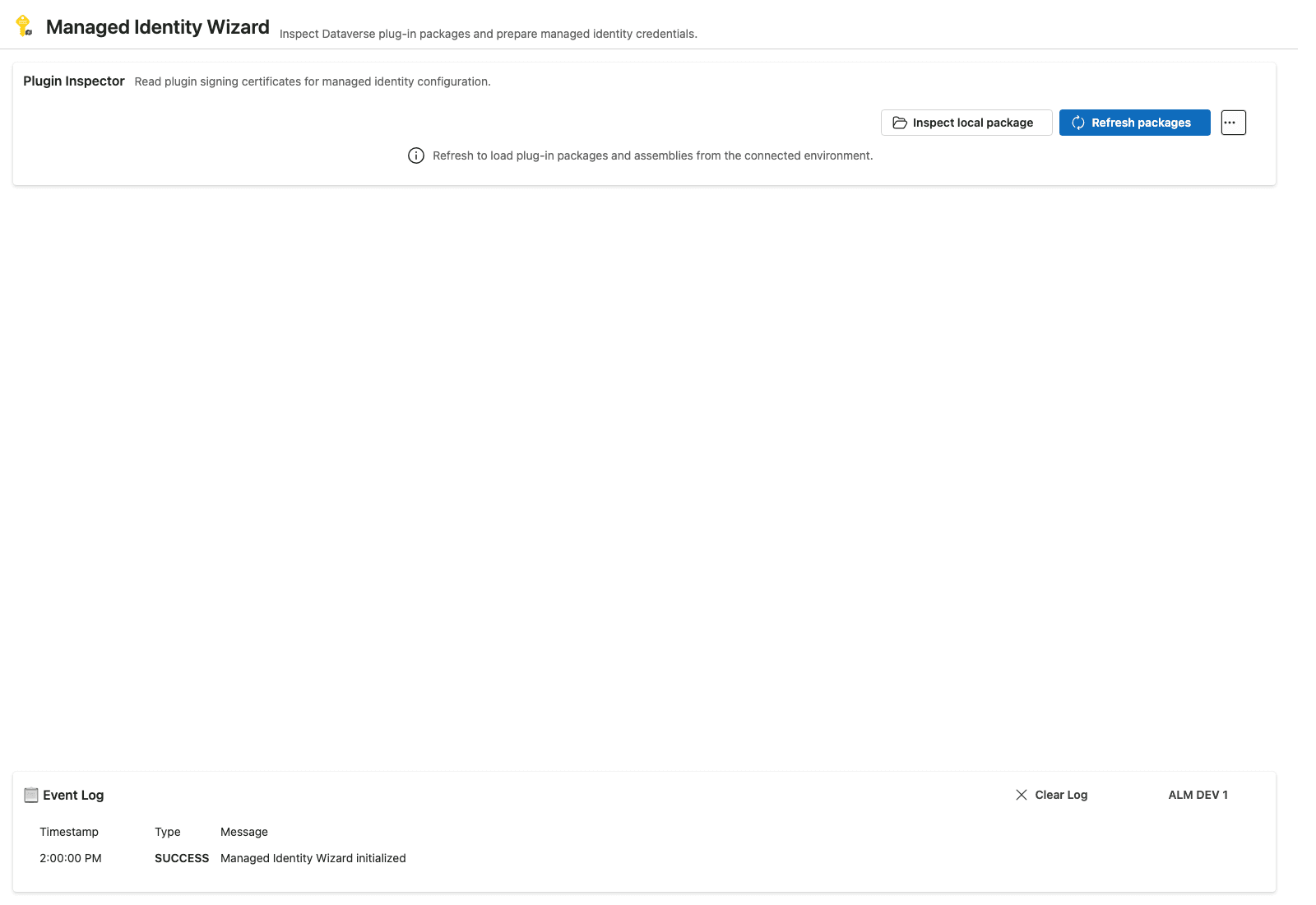
Managed Identity Wizard tool for inspecting Dataverse plug-ins

Power Platform ToolBox

Purpose-built admin and developer tools

Create focused utilities for Power Platform workflows. Managed Identity Wizard helps teams inspect plug-in packages and assemblies and manage Dataverse managed identity configuration.

Explore Managed Identity Wizard
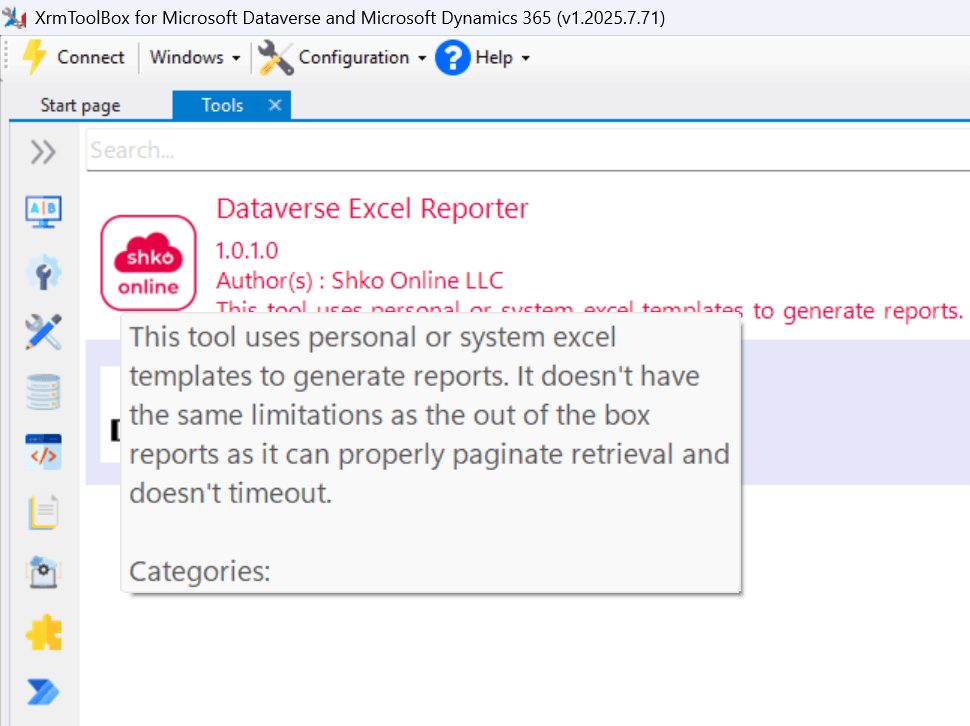
Dataverse Excel Reporter for exporting Dataverse data with Excel templates

XrmToolBox

Custom Dataverse utilities

Develop tools that make Dataverse administration tasks easier. Dataverse Excel Reporter generates template-based exports locally, processing records page by page to avoid report-generation timeouts.

See Dataverse Excel Reporter

Built around your use case

Power Apps components that fit your experience

A custom PCF control can bring a focused interaction directly into a Power Apps form or canvas app. Our StyledSwitch and Multi Switch examples show how the same data choices can be presented with a more tailored interface.

Tell us what your users need to do, where the control will run, and how it should behave. We can discuss the right shape for a custom component before development begins.

Multi Switch PCF control displaying several choices on a model-driven form

How we shape a bespoke build

Start with the workflow that needs improvement; then agree on the tool or component that fits it.

  1. 1. Define the workflow

    Share the user, task, and Power Platform environment the component or tool needs to support.

  2. 2. Choose the right extension

    Clarify whether the need is a Power Apps PCF control, a Power Platform ToolBox utility, or an XrmToolBox plugin.

  3. 3. Build for the real use case

    Shape the implementation around the agreed requirements and the platform where it will be used.

Have a Power Platform tool or PCF idea?

Tell us about your Dataverse workflow and we can discuss a custom component or tool for your team.

Contact Shko Online