Browse plug-in components
Review plug-in packages and assemblies in separate lists. Filter by solution, search and sort the inventory, and open component details or export files for local investigation.

Power Platform ToolBox
Inspect Dataverse plug-in packages and assemblies, review signatures, calculate managed identity subjects, and manage identity associations with clear validation built in.
Install Power Platform ToolBox first if it is not already on your device. Download Power Platform ToolBox
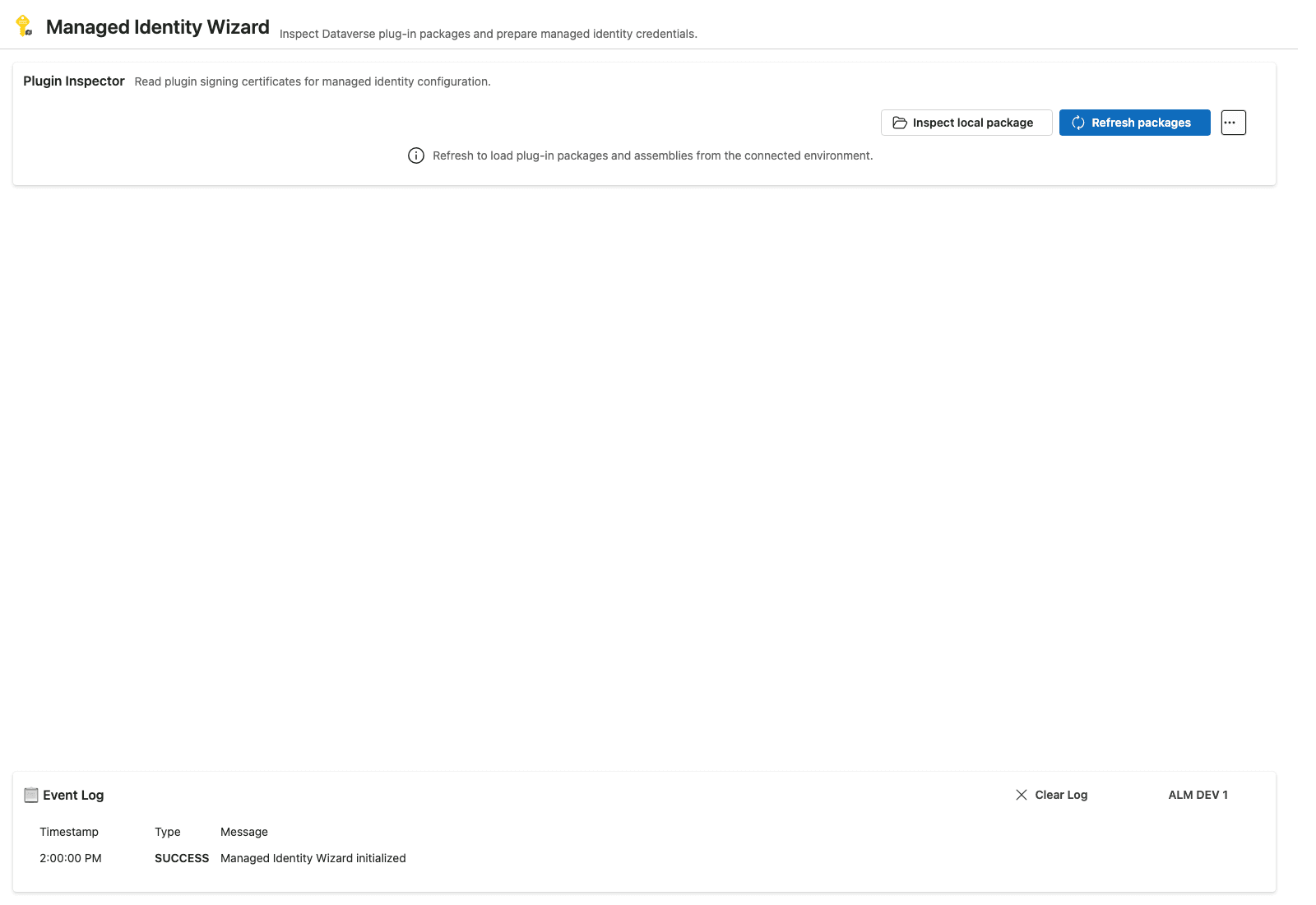
The inspector keeps the Dataverse connection, component inventory, and recent activity in view.
The wizard helps administrators and developers investigate plug-in packages and assemblies, understand their signing state, and configure managed identities for signed custom code.
Review plug-in packages and assemblies in separate lists. Filter by solution, search and sort the inventory, and open component details or export files for local investigation.
Check whether a package or assembly is signed, review signer and certificate-chain details, and calculate the managed identity subject identifier from the signed component.
Create, review, and edit managed identities, see their usage and solution layers, and associate identities only with signed, customizable components.
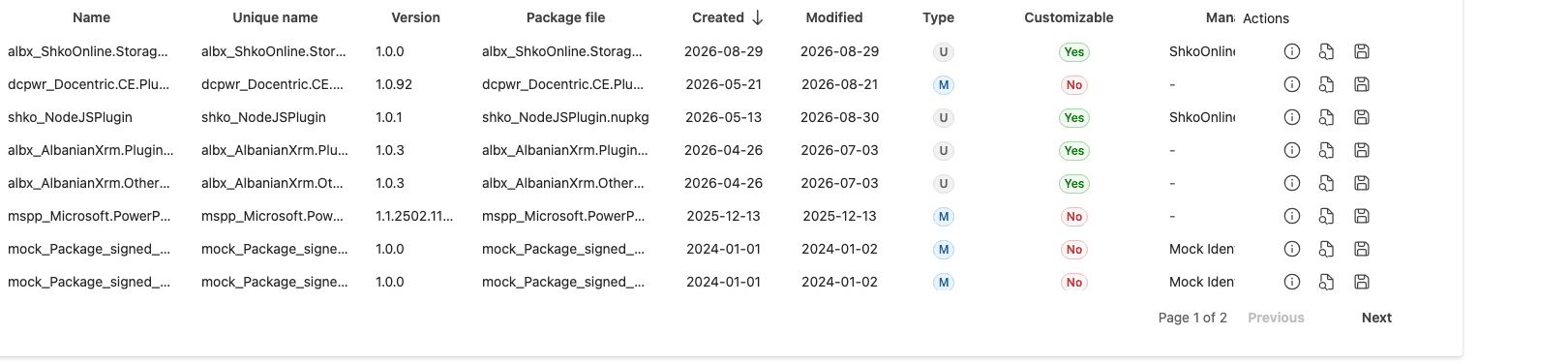
Review versions, identifiers, customization state, and managed identity associations. Search, sort, and paginate through large lists, then inspect or export a component when needed.

Find identity records, review their usage and solution context, and open details to create or edit customizable identities.
Move from component discovery to identity configuration without losing sight of signing and customization requirements.
Connect to a Dataverse environment to load its components, or inspect a local .nupkg or .dll without an active connection.
Choose a solution or view all solutions, then refresh the package and assembly lists.
Inspect a component to review its signature, certificate information, and calculated managed identity subject.
Review the managed identity and its solution-layer context, then make an allowed assignment or update.
Assignment rules are enforced: an identity can only be assigned or changed when the target component is signed and customizable. Unsigned or non-customizable components show guidance instead of an invalid action.
Complete the managed identity workflow in one visual interface: connect to Dataverse, select a plug-in package or assembly, inspect its signature and certificate, then create or review identities and manage eligible associations. Administrators and makers can do these steps in the wizard without running PAC commands or manually entering component GUIDs.
Microsoft's Power Platform CLI includes the preview pac managed-identity show-fic command to calculate and display federated identity credential (FIC) values for a Dataverse component. PAC requires the component's Dataverse record GUID and type as command-line arguments, so you must find and copy the GUID into the command rather than select the component from a visual inventory.
pac managed-identity show-fic --component-id <component-guid> --component-type PluginAssemblyPluginAssembly, ServiceEndpoint, or CopilotStudio.Read the Microsoft Power Platform CLI show-fic reference for the full command syntax and current preview details.
It helps you inspect plug-in packages and assemblies, review signing and certificate details, calculate managed identity subject identifiers from signed components, and manage identity records and associations.
Yes. Open a local .nupkg or .dll to inspect its signing details and managed identity subject without an active Dataverse connection.
The target plug-in component must be signed and customizable. The wizard shows guidance when either requirement is not met.
See the Microsoft Learn guide to setting up Power Platform managed identity for Dataverse plug-ins and packages for the platform prerequisites and configuration process.
Explore connected, filtered, and inspection scenarios in Storybook, or browse the source and project documentation on GitHub.