
Dataverse Excel Reporter for XrmToolBox
By relying on our team this process will be as simple as it can get.
Curious to see what we are talking about?
Have a look at our tool below.
Dataverse Excel Reporter
You are using Dataverse Excel Templates to export data from Dataverse and you are hitting limitations?
We built Dataverse Excel Reporter to help you overcome these limitations.
No more timeouts for large data exports. Since the report is being generated on your machine, page by page, your report generation will never timeout.
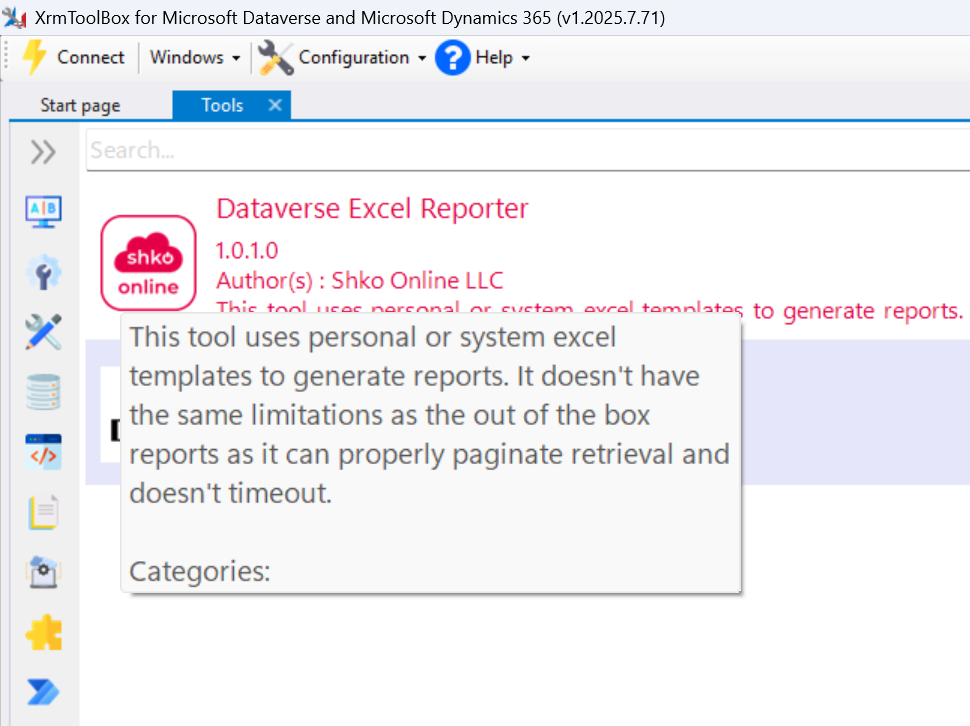
To use the tool open it in XrmToolBox. You just need to connect to your Dataverse environment and follow these steps:
- Select1 the Table you want to export data from.
- Select1 the Personal or System Document Template you want to use.
- Select1 the Personal or System View you want to use to filter the data you want to export.
- Click the Generate Report button to start the export process.
- In the Status Bar you will see the number of records exported this far.
- Once the report is ready a File Dialog will allow you to select the path where you want to store the generated report.
1 The Dropdowns can be filtered by typing a search criteria that should be contained in the name.